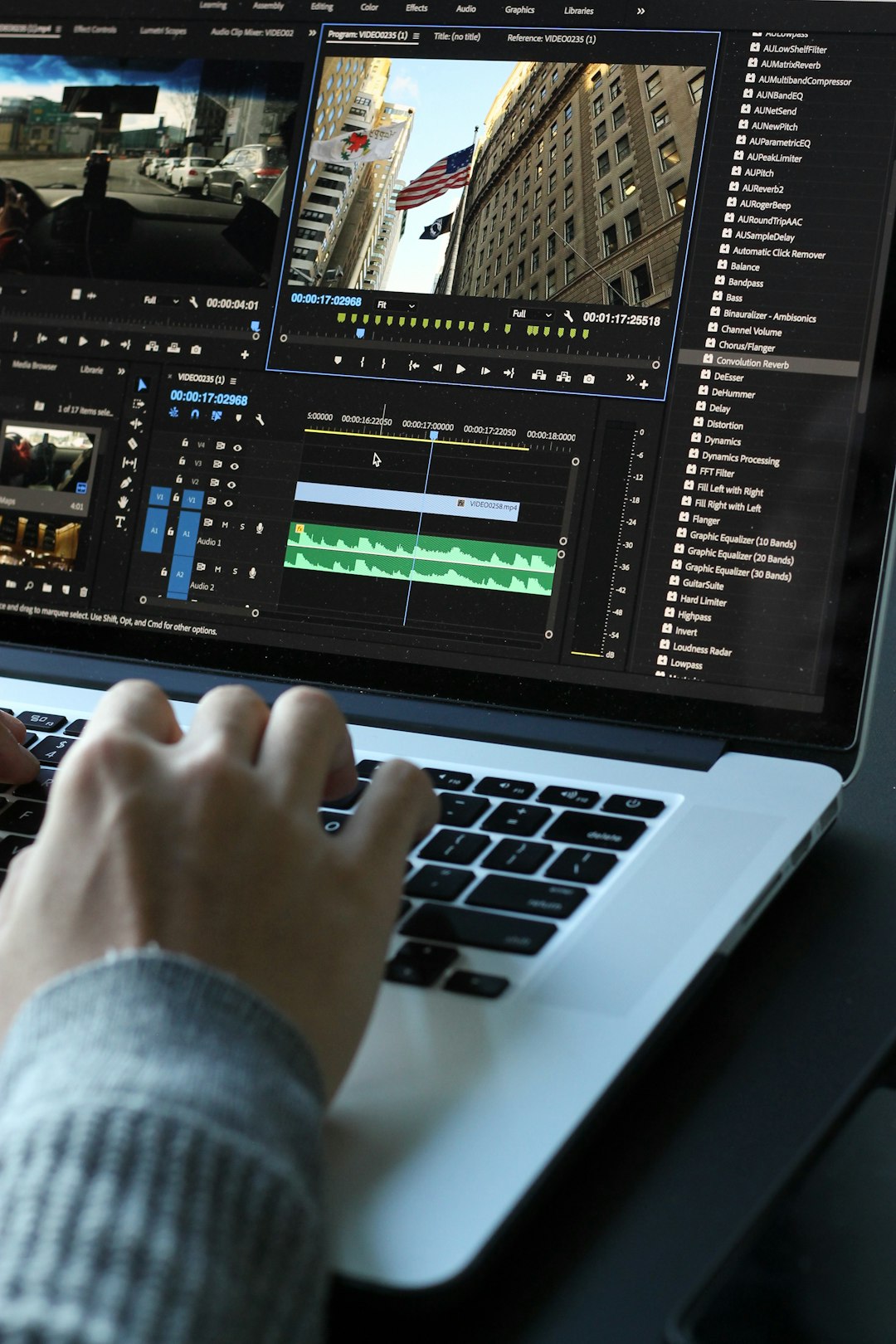
Artificial intelligence has revolutionized video editing, transforming workflows that once required hours of manual work into automated processes completed in minutes. This comprehensive tutorial guides you through AI-powered video editing, from understanding the technology to implementing practical techniques that produce professional results. Whether you're editing content for social media, marketing, or creative projects, these AI-assisted approaches dramatically improve efficiency while maintaining creative control.
Understanding AI Video Editing
Before diving into specific techniques, it's important to understand what AI brings to video editing. Unlike traditional editing that requires manual selection and arrangement of every clip, transition, and effect, AI-powered editing uses machine learning algorithms to automate repetitive tasks, suggest creative choices, and even understand content context to make intelligent editing decisions.
Modern AI video editors analyze footage on multiple levels. They can identify objects, recognize faces, understand speech, detect scene changes, and assess visual quality. This analysis enables automated tasks like selecting the best takes, removing unwanted elements, synchronizing audio, and creating dynamic cuts timed to music or narration. The technology doesn't replace human creativity but rather amplifies it by handling time-consuming technical tasks.
Setting Up Your AI Editing Environment
Success with AI video editing begins with proper setup. This includes choosing appropriate software, organizing your media, and understanding how to prepare footage for AI processing.
Software Selection
Various platforms offer AI editing capabilities, from standalone applications to plugins for traditional editing software. When selecting tools, consider your specific needs. Some platforms excel at automated cutting and assembly, making them ideal for content creators producing high volumes of similar videos. Others focus on enhancement features like color correction, noise reduction, or visual effects stabilization.
Many AI editing tools operate on cloud-based infrastructure, processing videos on remote servers rather than your local machine. This approach provides access to powerful AI capabilities without requiring high-end hardware, though it does depend on internet connectivity and may raise privacy considerations for sensitive content.
Media Organization
Proper media organization facilitates efficient AI editing. Create clear folder structures separating raw footage, audio files, graphics, and project files. Name files descriptively so you and AI systems can easily identify content. Many AI tools perform better when footage is pre-organized, enabling more accurate content analysis and better automated editing decisions.
Before importing footage into your AI editing platform, perform basic quality checks. Ensure video resolution, frame rate, and audio levels are consistent across clips. While AI can handle variations, working with consistent source material produces more predictable results and reduces potential technical issues during processing.
Automated Editing Workflows
AI enables powerful automated editing workflows that dramatically reduce production time. These approaches work particularly well for content types with established formats or repetitive structures.
Intelligent Scene Detection and Assembly
Modern AI can analyze raw footage, identify distinct scenes or segments, and automatically assemble them into coherent sequences. The technology examines visual changes, audio patterns, and content flow to determine where scenes begin and end. For interview content, AI can identify different speakers and automatically cut between them, or remove pauses and filler words for tighter pacing.
Start by importing your raw footage into the AI editor and running scene analysis. Review the AI's suggested scene boundaries, adjusting as needed. Most platforms allow you to set parameters like minimum scene length or sensitivity to visual changes, enabling you to fine-tune detection to match your content type. Once scenes are properly identified, AI can suggest assembly orders based on narrative flow or chronological sequence.
Audio-Driven Editing
AI excels at creating video edits synchronized to audio elements. For content set to music, AI can analyze beat patterns, identifying optimal cut points that align with musical rhythm. For spoken content, AI can transcribe dialogue and enable text-based editing – you edit the transcript and the video automatically adjusts to match.
To use audio-driven editing effectively, ensure high-quality audio in your source material. Import your music track or narration alongside video footage. Configure the AI editor to analyze the audio, specifying whether you want cuts on strong beats, musical phrases, or specific words in narration. The AI will generate an initial edit that you can then refine, adjusting timing or selecting different footage for specific moments.
Enhancement and Refinement Techniques
Beyond assembly, AI provides powerful tools for enhancing video quality and refining editorial details. These capabilities enable professional-quality finishing that previously required specialized expertise.
Automated Color Correction
AI color grading analyzes your footage and automatically adjusts color balance, exposure, and saturation to achieve desired looks. The technology can match color across different clips shot under varying lighting conditions, ensuring visual consistency throughout your video. Many AI color tools include preset styles enabling one-click application of specific aesthetic looks.
Apply AI color correction by selecting clips or entire sequences and choosing your desired style or allowing the AI to automatically optimize. Review results and adjust intensity if the effect is too strong. AI color grading works best as a starting point – use it to quickly achieve basic color consistency, then make manual adjustments for creative refinement. This hybrid approach combines AI efficiency with human artistic judgment.
Audio Enhancement and Mixing
AI audio processing addresses common sound issues automatically. Noise reduction algorithms remove background hum, wind noise, or room echo without affecting voice quality. Automatic mixing adjusts volume levels across clips, ensuring consistent audio throughout your video. Some platforms even offer voice enhancement that improves clarity and presence of spoken content.
Process audio by selecting clips with quality issues and applying AI noise reduction. Set reduction strength based on preview results – aggressive noise reduction can affect voice naturalness. Use automated mixing to level volumes across your entire project, then review transitions between clips to ensure no jarring volume changes. AI audio tools significantly reduce time spent on technical audio work, letting you focus on creative decisions.
Creative AI Applications
Beyond technical tasks, AI enables creative effects and techniques that expand your artistic possibilities. These capabilities let you achieve results that would be difficult, time-consuming, or impossible with traditional editing methods.
Smart Object Removal
AI-powered object removal lets you eliminate unwanted elements from footage without complex manual masking. The technology analyzes surrounding visual information and intelligently fills the space where removed objects were, maintaining natural-looking backgrounds. This capability is invaluable for removing distractions, fixing mistakes, or cleaning up shot composition.
To remove objects, select the clip containing the unwanted element and use your AI platform's removal tool. Mark the object you want removed – many tools allow you to simply paint over it. The AI processes the footage, analyzing multiple frames to understand background patterns and movement. Review the result carefully, as complex removals may require manual refinement. Object removal works best with relatively static backgrounds and clearly defined objects.
Automated B-Roll Selection
AI can analyze your main footage and suggest or automatically insert complementary b-roll based on content context. By understanding what's being discussed or shown in your primary footage, AI can search media libraries for relevant supplementary visuals. This capability dramatically speeds the process of finding and placing supporting footage.
Configure b-roll automation by connecting your AI editor to media libraries or providing it with folders of potential b-roll clips. Run content analysis on your main footage – the AI transcribes dialogue or identifies key visual elements. Based on this analysis, the platform suggests relevant b-roll or automatically inserts it at logical points. Review suggested placements, adjusting timing and duration to match your creative vision. This approach combines AI efficiency with human editorial judgment.
Optimizing for Different Platforms
Modern content often needs versions optimized for multiple distribution platforms, each with different technical requirements and audience expectations. AI simplifies creating these variations while maintaining quality and consistency.
Automated Reformatting
AI can automatically reformat videos for different aspect ratios and resolutions. Rather than manually reframing content, AI analyzes footage to identify important visual elements – faces, text, key objects – and intelligently reframes video to keep these elements properly positioned in different aspect ratios. This capability is essential for content distributed across platforms like YouTube, Instagram, TikTok, and others with varying format requirements.
Create platform-specific versions by selecting your master edit and choosing target formats. Configure the AI reframing tool with your preferences – for example, prioritizing faces in social media vertical formats or keeping text readable across formats. Generate previews and review how the AI has reframed important moments. Make manual adjustments where the automated reframing doesn't meet your standards, then export finalized versions for each platform.
Platform-Specific Optimization
Beyond technical formatting, different platforms favor different content characteristics. Some platforms reward shorter videos, others prioritize engagement in opening seconds. AI can analyze platform requirements and optimize your content accordingly – automatically creating attention-grabbing opening sequences, identifying optimal video length, or suggesting caption placement that doesn't obscure key visuals.
Use platform optimization by specifying your target distribution channels when setting up your project. The AI will consider platform preferences when making editorial suggestions. For social media platforms, it might suggest faster pacing and earlier presentation of compelling content. For longer-form platforms, it might optimize for sustained viewer engagement over extended durations. This platform-aware editing ensures your content performs well wherever it's distributed.
Quality Control and Final Review
While AI dramatically improves editing efficiency, human review remains essential for ensuring quality and maintaining creative vision. Establish systematic review processes that catch issues before publication.
Technical Review Checklist
Create checklists covering technical quality parameters. Check video resolution, frame rate consistency, and color accuracy across your edit. Verify audio levels are appropriate throughout, with no clipping or excessively quiet sections. Ensure transitions between clips are smooth without jarring cuts or mismatched action. Look for any artifacts introduced by AI processing – sometimes automated tools create subtle visual anomalies that need correction.
Review your edited video on different devices when possible. What looks good on a large monitor may have issues on mobile screens where most social media content is consumed. Check how AI-generated captions or graphics display across different screen sizes. This multi-device review catches platform-specific issues before publication.
Creative Review Process
Technical correctness doesn't guarantee creative success. Review your edited video from an audience perspective. Does the pacing maintain interest? Are transitions motivated and purposeful rather than arbitrary? Does the edit support your narrative or message effectively? While AI handles technical execution, these creative judgments require human evaluation.
Consider getting fresh eyes on important projects. Share drafts with colleagues or trusted reviewers who can provide objective feedback. Sometimes editors become too close to material, missing issues obvious to new viewers. External feedback helps identify confusing sequences, unclear messaging, or opportunities for improvement that you might overlook after extensive editing sessions.
Conclusion
AI-powered video editing represents a fundamental shift in content creation, making professional-quality editing accessible while dramatically reducing production time. Success comes from understanding both the capabilities and limitations of these tools. Use AI to automate time-consuming technical tasks, freeing you to focus on creative decisions that require human judgment and artistic vision.
Start with simpler automated tasks, building confidence and understanding how AI interprets and processes your content. Gradually incorporate more advanced features as you learn how to effectively direct AI tools toward your creative goals. Remember that AI is a powerful assistant, not a replacement for human creativity. The most effective approach combines AI efficiency with human artistic direction, producing content that's both professionally executed and genuinely engaging. With practice and experimentation, you'll develop workflows that leverage AI capabilities while maintaining your unique creative voice.